No products in the cart.

I've been quietly watching ON1's journey developing PhotoRAW for almost all of its 20 years, and I'll be honest: I wasn't always convinced. Early versions felt promising but rough around the edges, and lacked support for my Fujifilm RAW files. However, after spending time with the preview of PhotoRAW 2026, I find myself genuinely excited about where this software is going.
Let me tell you why this latest release might just change your mind about alternatives to the Adobe ecosystem. Many are pulling the plug on Adobe due to its constant price hikes and concerns about its AI training, but is ON1 PhotoRAW 2026 a viable alternative?
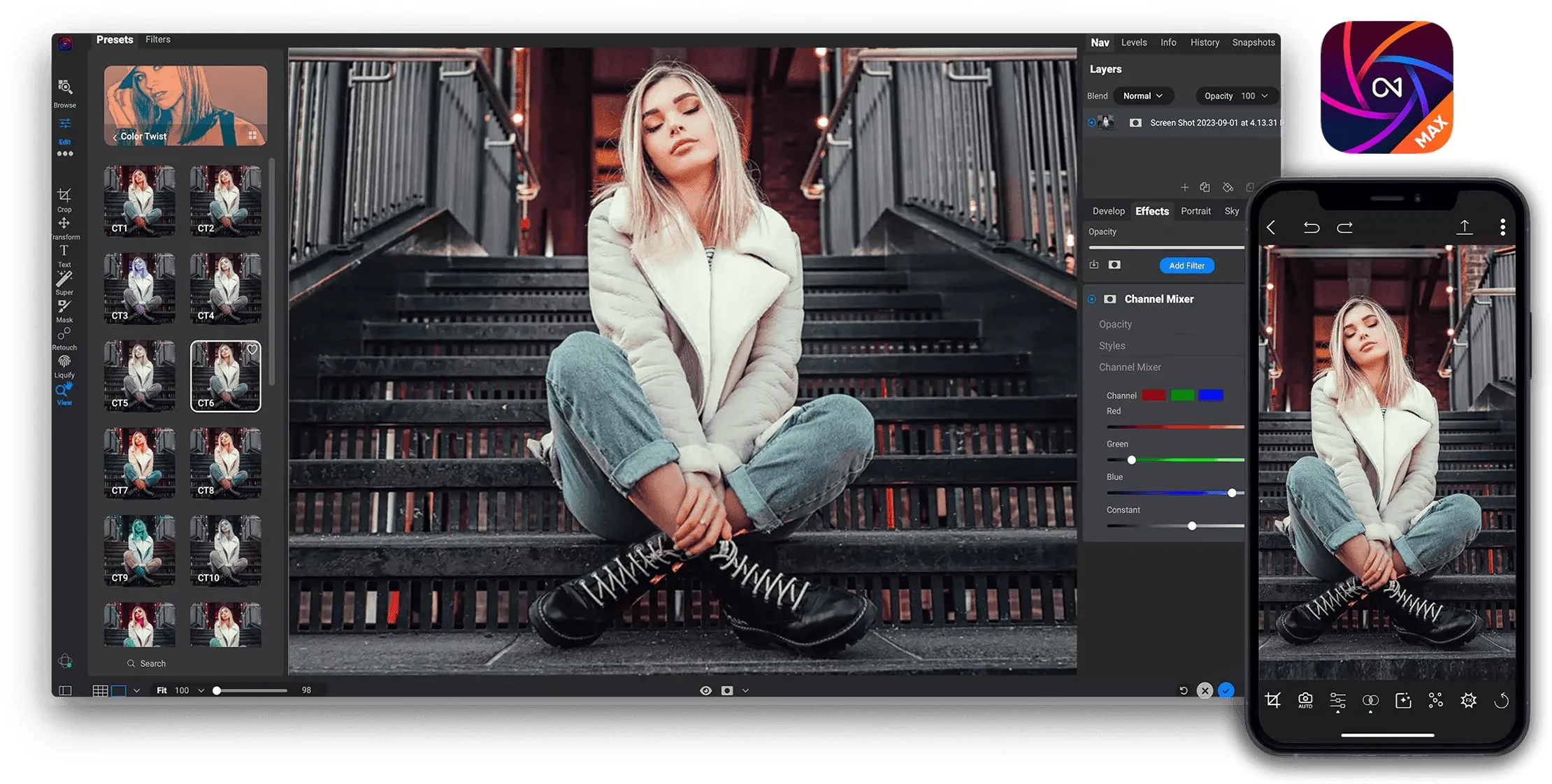
Please note that I cannot show you the actual product before its release; therefore, I will be using promotional images and videos in this article.

The Masking Revolution That Actually Works
When ON1 announced their biggest masking update since Super Select AI, I was sceptical. We've all heard those promises before, haven't we?
But the reality is rather impressive.
The new one-click subject and background masks genuinely work as advertised. I've tested them on challenging scenarios: portraits with flyaway hair, landscapes with intricate foliage, and even tricky situations with glass and transparent objects. The AI edge detection has improved dramatically, producing clean selections that would typically require extensive manual refinement.
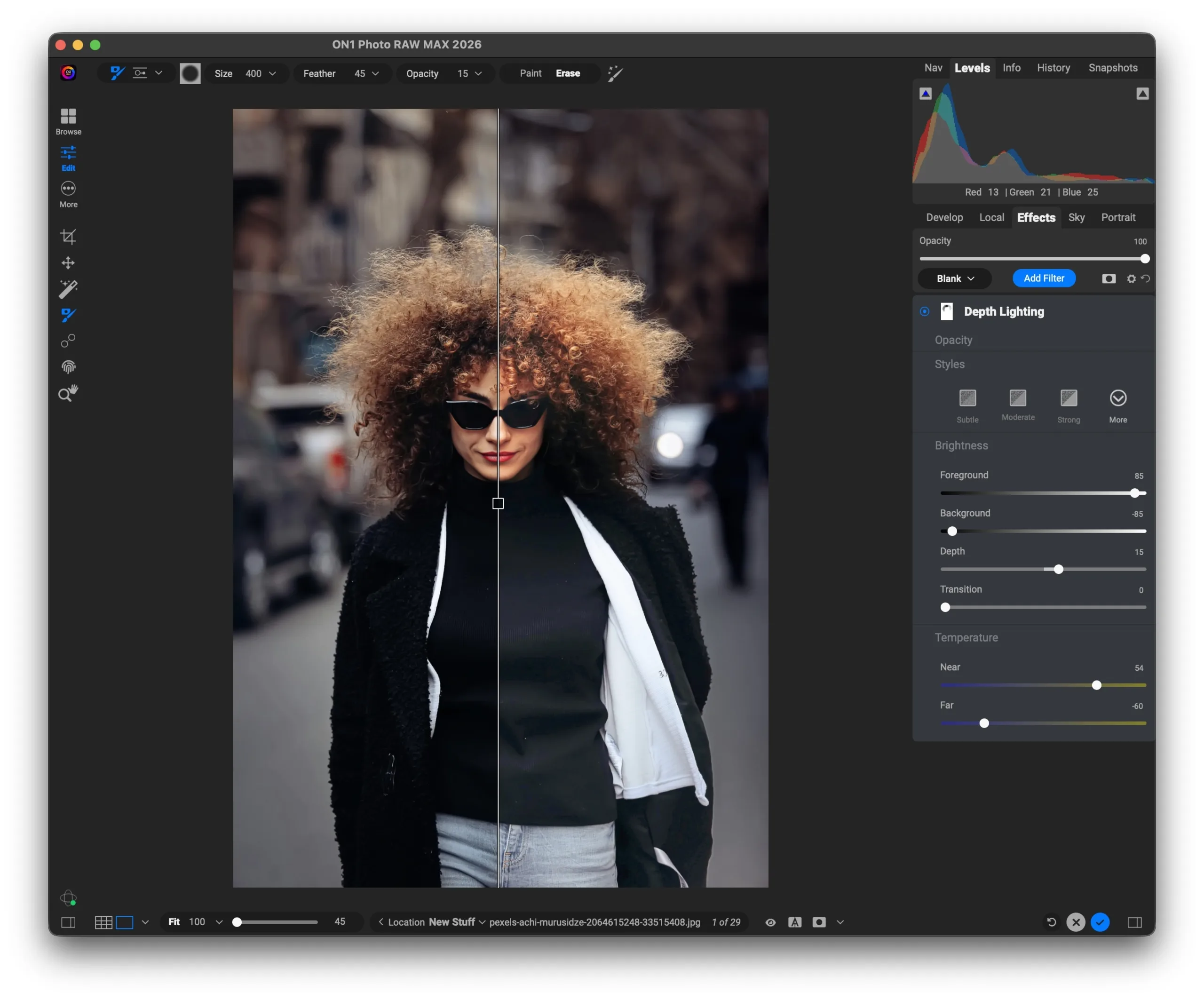
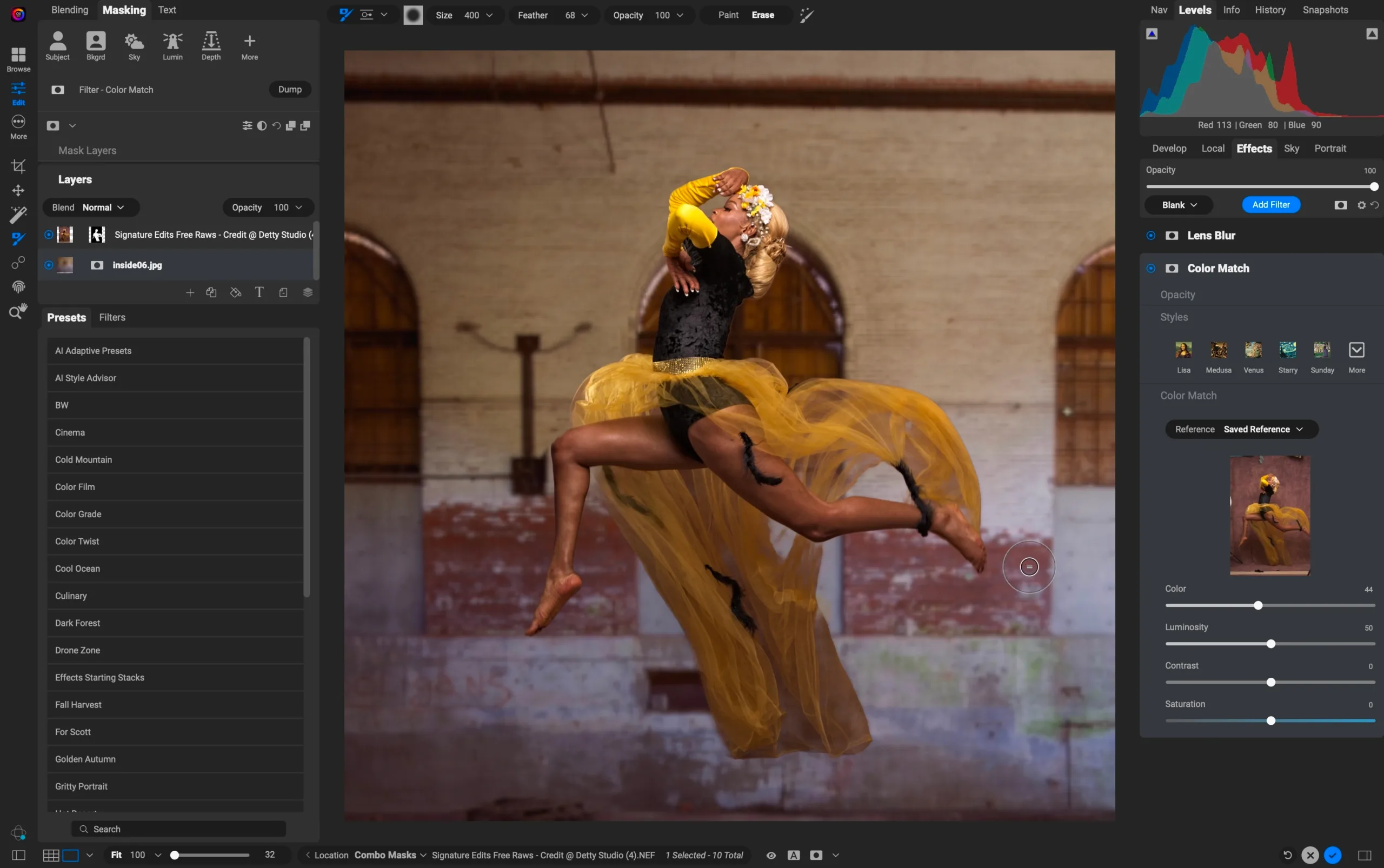
What sets this apart isn't just the accuracy: it's the new Mask Layers system that lets you combine multiple masking approaches non-destructively. Think of it as building a sophisticated selection from several sources, like Luminosity Masks, colour ranges, and AI selections… All working together without flattening your edit.
This approach feels more intuitive than the traditional “replace everything with one perfect mask” mentality. Sometimes you need different strategies for different parts of an image, and PhotoRAW 2026 finally acknowledges that reality.
Resize AI 2026: No More App Jumping
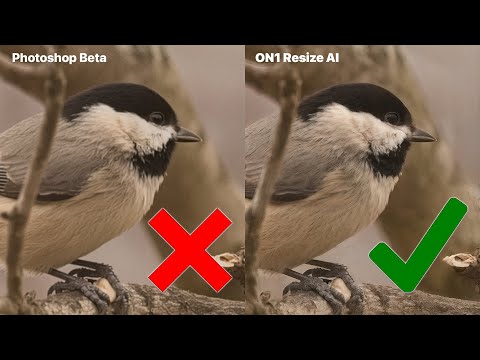
Here's where things get interesting. ON1 has fully integrated their standalone Resize AI 2026 technology directly into PhotoRAW. This means no more exporting to separate applications for upscaling. Everything happens within your normal editing workflow.
I've compared the results against both Topaz Gigapixel and Adobe's Super Resolution, and the differences are remarkable. The new Highest Quality model uses generative AI with Diffusion technology, which sounds fancy but translates to genuinely better detail recreation. It's particularly impressive with challenging sources, such as vintage photos, heavily cropped images, and even AI-generated artwork that typically falls apart when enlarged.
So far, I have only seen the results on screen, I haven't pixel-peeped a large print yet, but it does look really good.
The Standard model prioritises speed while maintaining quality. This is perfect for batch processing or when working with older hardware. What impressed me most was how both models automatically handle noise reduction during enlargement, eliminating an extra step in the workflow.
This has the potential to become my go-to application for enlargements.
Four New Filters That Solve Real Problems
The creative filters in PhotoRAW 2026 aren't just digital eye candy; they address specific challenges photographers face regularly:
- Depth Lighting creates sophisticated lighting effects that respond to the spatial depth in your images. It's particularly useful for adding drama to landscapes or enhancing the dimensional quality of portraits.
- Split Field mimics the effect of traditional split-field filters, allowing you to apply different treatments to foreground and background elements seamlessly.
- Double Exposure handles the complex blending mathematics automatically, letting you focus on creative vision rather than technical implementation.
- Motion adds realistic motion blur effects, perfect for bringing energy to static images or creating dynamic panning effects in post.
These aren't gimmicky Instagram-style filters. They're sophisticated tools that extend your creative palette without requiring deep technical knowledge to use effectively.
The Performance Surprise
The other beta testers and I have been particularly vocal about speed improvements. Someone even rushed to our dedicated forum just to say this was the “FASTEST version” they'd ever owned. That's the kind of enthusiastic response you typically see when software makes a significant leap forward rather than incremental improvements.
This matters more than you might think. When editing feels fluid and responsive, you spend more time being creative and less time waiting for the software to catch up with your ideas.
Beyond the Headlines
That's, in a nutshell, all there is to know about the major features available in the preview version. But even the smaller improvements really enhance the daily workflow of editors like myself:
- Negative Mode automatically inverts and colour-corrects film scans: a godsend for anyone digitising their analogue work with a DSLR setup.
- Enhanced perspective correction tools make architectural photography cleanup more intuitive.
- Expanded camera support includes the latest models from Sony, OM System, Fujifilm, and Panasonic.
These might seem minor, but they demonstrate attention to real-world photographer needs rather than just marketing bullet points. In some cases, you need more than one app to handle everything, but here it's all packaged together.
The Adobe Alternative That Actually Competes
Let's address the elephant in the room: Adobe's subscription model. While Lightroom and Photoshop remain industry standards, the ongoing costs add up quickly. Myself, I have been using Adobe products for 30 years, but it's getting to a point where it is no longer affordable, particularly when the price increases considerably every 6-9 months.
ON1 PhotoRAW 2026 offers a compelling alternative with a one-time purchase that includes meaningful annual updates.
But in case you want to keep your Adobe subscription and use PhotoRAW alongside Lightroom and Photoshop, the plugin support for them (in the MAX edition) is particularly clever. You can gradually incorporate ON1's tools into your existing workflow without completely abandoning your current setup.
It's a thoughtful approach to software migration that respects how photographers actually work.
Real-World Performance
I tested PhotoRAW 2026 across various scenarios: portrait retouching, landscape processing, architecture… The software handled everything smoothly, with notably improved stability compared to earlier versions.
The new masking tools saved significant time on complex selections. The integrated Resize AI eliminated workflow friction when preparing images for large prints. The creative filters opened possibilities I hadn't considered within my normal editing process.
It's still early days, but I am more than happy with all I have been able to try so far. Remarkably, the interface and tools felt perfectly natural, allowing me to focus on my artistic vision rather than losing myself in a convoluted UI.
Should You Make the Switch?
ON1 PhotoRAW 2026 represents the most mature release yet. If you're frustrated with subscription costs, curious about alternatives, or simply want access to cutting-edge masking and upscaling technology, this deserves serious consideration.
The pre-order pricing includes immediate access to PhotoRAW 2025, letting you start using the platform now while waiting for the October 2026 release. It's a risk-free way to evaluate whether ON1's approach aligns with your workflow needs. A free 30‑day trial will also be available at launch. You can access the ON1 website from here. Discounts for ON1 apps are available through my affiliate page.
ON1 PhotoRAW 2025 was named one of the hottest photography products of the year in the 2025 Hot Ones Buyers Guide by Professional Photographer Magazine and the Professional Photographers of America (PPA), so it's not a bad place to start.
For photographers seeking a comprehensive, subscription-free alternative to Adobe's ecosystem, ON1 PhotoRAW 2026 might just be the answer you've been waiting for.
Getting Started
PhotoRAW 2026 is available for pre-order now with a special discount. New customers receive immediate access to PhotoRAW 2025, with the automatic upgrade to 2026 included when it releases in October.
Of course, all updates will also be available in the mobile version.
The MAX edition includes plugin support for Adobe applications, making integration with existing workflows seamless. A 30-day free trial will be available at launch for those who prefer to test before committing.
If you're interested in other ON1 utilities, I recently previewed their ON1 Pro Lightpanel extension for Lightroom, which proved quite useful.
Have you tried ON1's software before? What's been your experience with Lightroom alternatives? I'd love to hear your thoughts in the comments below.


2 comments
I have been an On1 PhotoRaw user for many years. It has a great many excellent features, but it is a memory hog and has become virtually unusable for me with an M2 Mac Mini that I was advised to buy by On1‘s support tech. After a year and a half of going around and around with this guy, who insists that everything is fine and won’t admit that he gave me bad advice, I am completely fed up with this company. They used to be good, but no more.
I’m sorry you had such a bad experience with PhotoRAW. I used to have issues too with previous versions but it has not faulted me since switching to my M1 Macbook (so older than yours, but I have adjusted RAM usage)… I wonder if there’s anything to be done at a config level, but if you say a year of discussions with Support has not helped (and I assume you have exhausted all the options that a Google search may have given) it’s really unfortunate :(
Comments are closed.